Content & Collaboration

End-to-End SharePoint Migrations

From on-prem or other clouds to SharePoint Online and OneDrive with governance and adoption baked in.

  • Information architecture design before the first byte moves.
  • Permissions, metadata, and version history preserved.
  • User training and change management to ensure adoption.

Get Free Migration Consultation

1000+ successful migrations

Battle-tested playbooks and validated checklists for every workload.

Security-first process

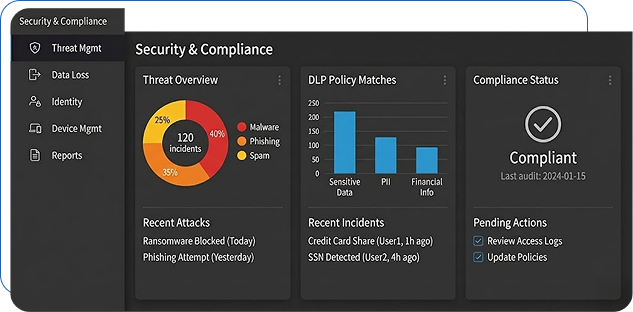
Least-privilege access, encrypted transport, and audit trails for every change.

Zero data loss guarantee*

Validation at every stage with rollback plans and recovery checkpoints.

Dedicated migration experts

Solution architects, project managers, and cutover engineers aligned to your team.
How It Works

Migration Types

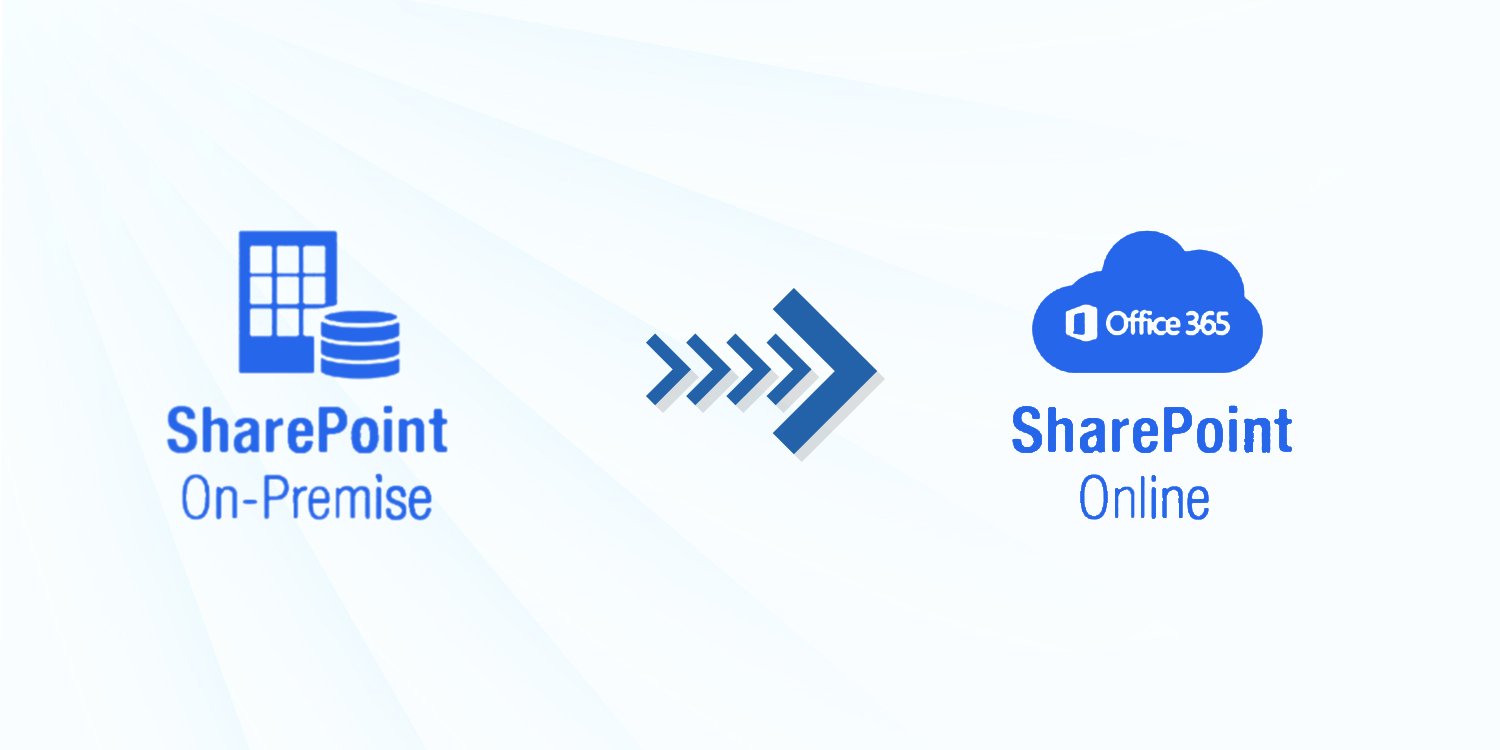
SharePoint On-Prem → SharePoint Online

File Servers → SharePoint

Google Drive / Dropbox / Box → SharePoint / OneDrive

Information Architecture & Governance

  • Site structure, hub planning, and navigation.
  • Metadata, retention, and sensitivity labels.
  • Permissions model and guest access controls.
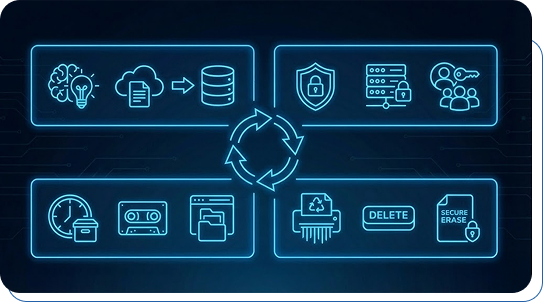
  • Content lifecycle design covering creation, collaboration, archive, and disposition

User Adoption

Training, quick reference guides, and governance coaching to keep content organized and searchable.

  • Role-based learning paths tailored for departments and power users
  • Hands-on workshops for Teams, SharePoint, and OneDrive best practices
  • Change-impact communication to prepare users before each rollout phase

Frequently Asked Questions

We handle the full lifecycle—discovery, inventory analysis, IA restructuring, content mapping, permissions alignment, migration execution, and post-migration validation.
We migrate SharePoint Online, SharePoint Server (2010–2019), legacy file shares, Google Drive, Dropbox, and other content repositories into SharePoint Online.
Yes. We migrate site structures, lists, libraries, columns, metadata, workflows, and all associated permission models wherever fully supported.
We map, modernize, or rebuild custom workflows, InfoPath forms, legacy web parts, and integrations to ensure functional continuity in the new environment.
Minimal. Content syncs run in the background, and the final cutover is executed during a controlled low-impact window.
We use encrypted pipelines, role-based access, version-level validation, integrity checks, and strict compliance with organizational governance policies.